

What Is a Multi Effects Pedal and How Does It Work?

A Multi-effects pedal combines several guitar effects inside one unit, replacing a crowded row of separate stompboxes with a single, programmable tool. One patch might add compression and overdrive, then send the signal through chorus, delay, and reverb. Tap a footswitch, and the whole arrangement can change. That flexibility is useful on a small stage, in a bedroom studio, or during a quick rehearsal. It can also feel like too many choices.

Audio educator Mitch Gallagher offers a useful perspective: “The best gear choices make it easier to create the sound you hear in your head.” This is a guiding idea, rather than a promise that one device suits every player. Some guitarists want fast, reliable presets. Others prefer turning individual knobs and shaping each effect by hand.

Inside the pedal, digital processing usually models familiar effects and routes them through a chosen signal chain. The processor converts the guitar’s signal, applies those settings, then sends the result to an amplifier, headphones, or recording interface. In practice, the order matters: distortion before delay feels different from delay before distortion. Small changes count. A long reverb can blur a tight riff; a short delay can make a clean chord feel wider. Start with one effect. Listen closely. Then adjust.

This guide explains what a Multi-effects pedal does, how its signal path works, and which features matter when choosing one. Specifications help, but they cannot tell you whether the controls feel intuitive under stage lights. That part takes trying it yourself.
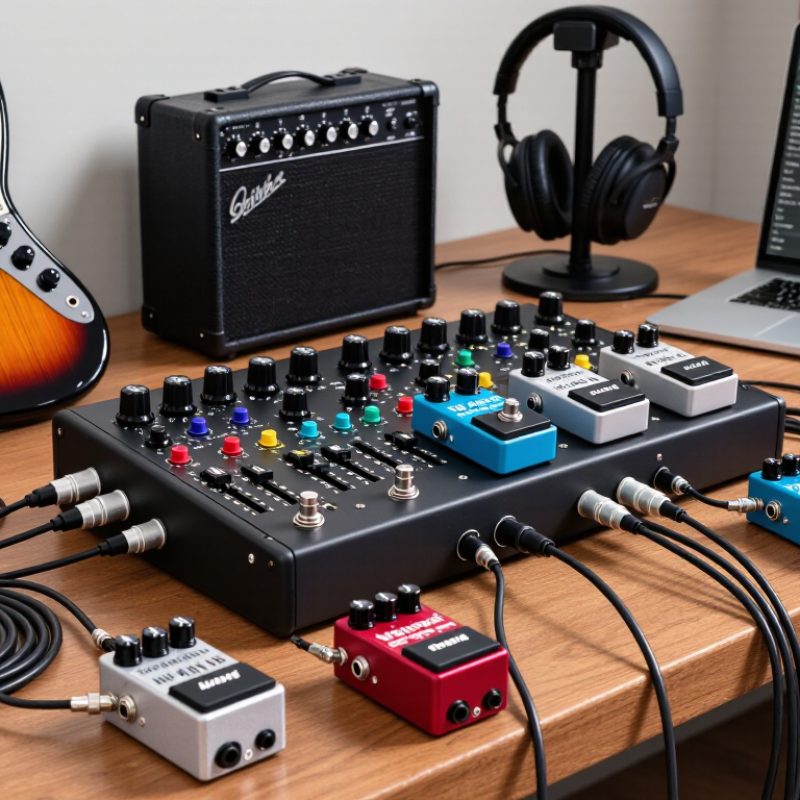
What Is a Multi Effects Pedal and How Does It Work?

What a Multi-Effects Pedal Is

A multi-effects pedal is a single floor unit that combines several guitar effects. It may include distortion, chorus, delay, reverb, and other sounds. Instead of connecting separate pedals one by one, you plug your instrument into the unit and connect its output to an amplifier or recording setup. Many models process the signal digitally, while some use analog circuits or a mix of both. The controls let you select effects, adjust settings, and save combinations as presets. One switch might add a light chorus; another could call up a louder, more spacious sound. Handy, but not always intuitive.

Tips: Start with one effect. Set a clear sound, then add another and listen for changes. Keep the volume even.

The pedal’s internal signal chain determines the order of its effects. For example, placing distortion before delay usually repeats the already distorted sound. Reversing that order can produce a different, sometimes less tidy result. Presets make it easier to recall sounds, but they can also hide how each effect is configured. A small screen and several menus may slow adjustments during rehearsal. Try the unit through the same amplifier or headphones you plan to use; a preset can sound quite different on another setup. The flexibility is useful, though choosing among many options can become its own distraction.

The Effects and Processing Tools It Contains

A multi-effects pedal combines several sound-shaping tools in one unit. Its effects may include distortion, overdrive, compression, chorus, phasing, delay, and reverb. Each changes a different part of the signal. Compression can soften sharp pick attacks and bring quieter notes forward. Distortion adds clipping and sustain, while chorus creates a gently shifting, doubled quality. Small changes matter.

Modulation effects alter pitch or timing in repeating patterns. A slow, shallow chorus can add width without making a clean chord feel seasick. Delay repeats notes, with controls for timing, volume, and feedback. Reverb simulates reflections in a room or hall, placing a dry guitar sound in a more spacious setting. Too much can blur fast passages. That is easy to miss at low volume.

Many units also include an equalizer, noise gate, amplifier and speaker simulations, and a tuner. An equalizer adjusts frequency ranges, helping reduce a boxy midrange or tame piercing treble. A noise gate lowers unwanted hiss when the guitar signal falls below a set level, though an aggressive setting may cut off quiet notes. Amp and speaker simulations shape the sound for headphones, recording, or a direct connection to a mixing system. These tools can be arranged in different signal paths. Building a patch with every effect enabled is tempting, but often leaves less room for the guitar’s natural dynamics.

What Is a Multi Effects Pedal and How Does It Work? — The Effects and Processing Tools It Contains

Effect or Tool What It Does Common Controls Typical Signal-Chain Role
Compressor Reduces the difference between louder and quieter notes, helping control dynamics and sustain. Threshold, ratio, attack, release, level Often placed early in the chain, before distortion or modulation.
Overdrive and Distortion Adds harmonic saturation and clipping, ranging from mild breakup to a more aggressive sound. Gain, tone, level Usually placed before modulation, delay, and reverb.
Equalizer Boosts or cuts selected frequency ranges to shape tone or reduce unwanted frequencies. Frequency bands, frequency, gain, Q Can be placed before distortion to change its response or after it to shape the resulting tone.
Modulation Includes effects such as chorus, flanger, and phaser, which alter or combine the signal to create movement and texture. Rate, depth, mix, feedback Commonly placed after gain effects and before delay and reverb.
Delay Repeats the input signal after a set time, with repeats that may fade or change in tone. Time, feedback, mix Often placed after gain and modulation effects, before reverb.
Reverb Simulates the reflections and decay of sound in an acoustic space, adding a sense of room or depth. Decay, pre-delay, tone, mix Typically near the end of the signal chain.
Noise Gate Reduces signal noise when the input falls below a set level; settings that are too strong can shorten note decay. Threshold, release, sensitivity Often placed before high-gain effects or applied through an input-stage processing block.
Amplifier and Cabinet Simulation Models aspects of an amplifier and speaker cabinet for direct connection to a mixer, audio interface, or full-range speaker. Amp model, gain, tone, cabinet, microphone position Usually placed after drive and tone-shaping effects when sending a direct signal.
Expression and Utility Controls Expression inputs can control parameters continuously; tuners, tempo controls, and preset switching support performance tasks. Assigned parameter, tap tempo, preset, tuner Controls can affect one effect, several effects, or the overall signal without adding a new sound effect.

How Audio Moves Through the Pedal

A multi-effects pedal routes your guitar signal through several processes inside one unit. In many digital models, the signal enters through an input circuit, then reaches an analog-to-digital converter. The converter turns the sound into data that a processor can shape. It may add compression, distortion, modulation, delay, or reverb. The pedal then converts the result back into an analog signal for an amplifier or recording system.

The order of effects changes the result. A compressor before distortion can make the drive feel more even; reverb after distortion can create a broader space. Some pedals also split the signal into parallel paths, blending a clean sound with an effected one. The controls and screen show settings, but the actual signal path may be less obvious. It is easy to assume every effect runs in a simple line. That is not always true. Check the routing view and output settings, especially when using headphones or an audio interface.

Tips: Start with one effect and raise its level gradually. Keep the output moderate to avoid unwanted clipping. If the sound feels harsh, test a different effect order before changing every setting. Small adjustments matter.

What Is a Multi-Effects Pedal and How Does It Work?

How audio moves through one example signal chain

The guitar signal enters the pedal, passes through effect blocks in sequence, and leaves at the output. This example uses a common serial chain; many multi-effects pedals let players bypass or reorder blocks, so the exact path varies.

How Presets and Controls Shape the Sound

A multi-effects pedal combines several effects, such as delay, reverb, and modulation, in one unit. Presets store chosen effects and settings, so a player can recall a complete sound with one footswitch press. A clean verse tone might use light compression and a short room reverb; a louder chorus preset could add delay and stronger modulation. Small changes matter.

Controls let you shape each effect rather than simply switch it on. Turning up delay feedback creates more repeats, while adjusting reverb decay changes how long a note seems to linger. The order of effects can also affect the result: distortion before delay often makes the repeats sound different from distortion after delay. Presets save time, but they are starting points, not rules. A setting that sounds clear at home may become muddy with a loud band.

Tips: Start with one effect, then add others gradually. Match output levels between presets to avoid sudden volume jumps. Save a copy before editing a useful sound. Listen at rehearsal volume, too; small speakers can hide harsh highs or crowded low notes. Some menus take patience. That part can be frustrating.

How Multi-Effects Pedals Connect to a Guitar Setup

A multi-effects pedal usually connects after the guitar and before an amplifier. Plug the guitar into the pedal’s input with a standard instrument cable. Then connect the pedal’s output to the amp’s input. Keep it simple. Start with the amp’s clean setting and moderate volume, so you can hear what the pedal itself changes. A loose cable can cause crackling, so check both ends before troubleshooting the sound.

For direct recording or a PA system, use the pedal’s output designed for that connection, if available. Many units can simulate an amplifier and speaker, which may sound harsh through a regular guitar amp unless those simulations are adjusted. Some amplifiers also have an effects loop. It can place selected pedal effects between the amp’s preamp and power section, but not every effect needs to go there. There is no universally correct routing. In practice, simple setup diagrams can miss differences between amplifiers, so listen at playing volume and adjust one connection at a time. For stereo effects, connect both outputs to a stereo destination; one cable will usually give a mono signal. Listen closely. Keep cables tidy, and use the pedal’s specified power supply to avoid unreliable operation.

REQUEST FOR PORPOSAL

Bring the essence of Current to your space! Whether you envision a cozy coffee kiosk, a stylish window café, a dynamic coffee bar, or a multi-station coffee drive-through, the possibilities are endless.  Please fill out the form below to submit your proposal request. Our team will review your information and get back to you shortly.